A One-Hour Meeting, Summarized as "What"
I tested Oats, the open-source meeting notetaker, fully on-device. The transcription impressed me. The summary of a one-hour French meeting was one word long.

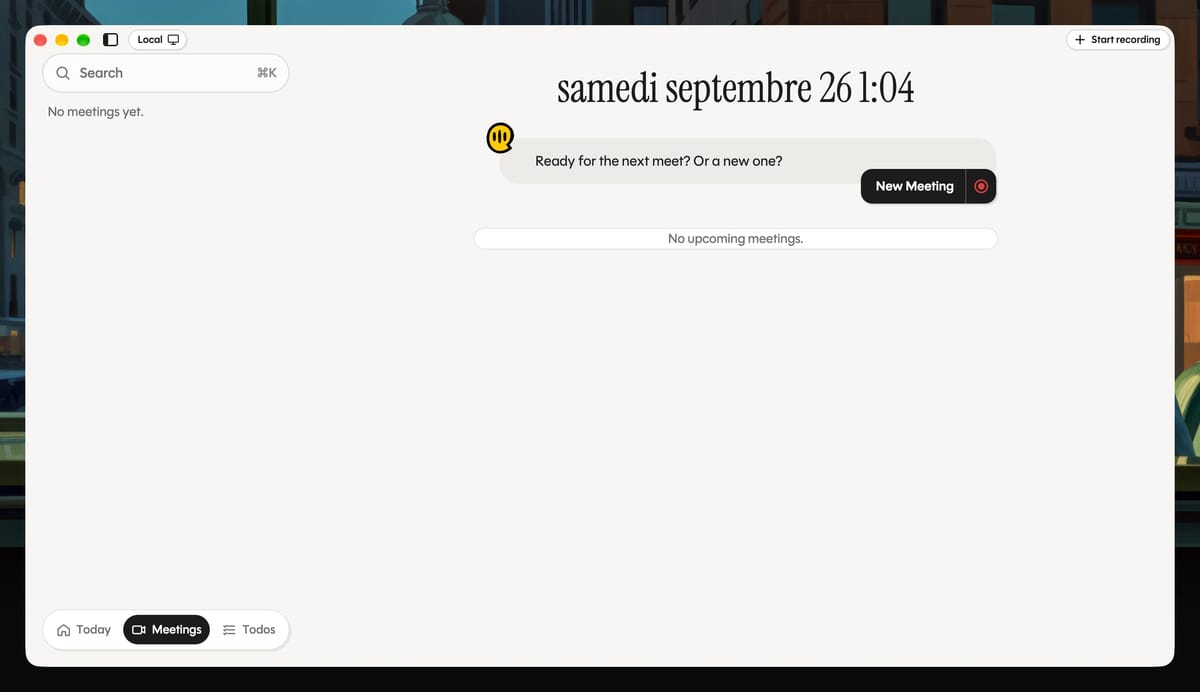
I spent the last few weeks looking for a meeting notetaker that runs entirely on my Mac. My meetings are the usual mix for someone running a digital team: project check-ins, 1:1s, video calls, a few in-person discussions, roughly half in French and half in English. A good chunk of that is stuff I don't want sitting in someone else's cloud, so running locally was the whole requirement.
Oats looked like the answer. It's free and MIT-licensed, and it can transcribe and summarize without anything leaving the machine. I installed version 0.24, switched the backend to Local, and let it listen to a one-hour team meeting in French.
 Ariso
Ariso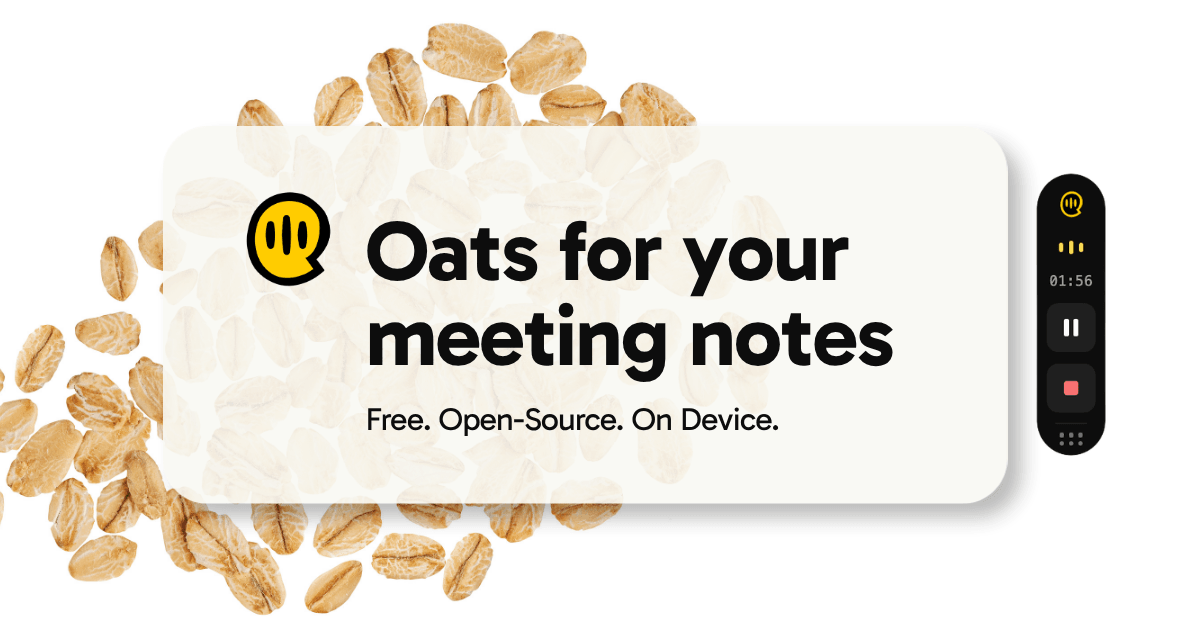
The summary said: "what".
One hour of people talking, one word of output, and not even in the right language.
In fairness, I never typed notes into the app during meetings, and Oats is designed to use those as context for the summary. That probably didn't help. But the transcript underneath was genuinely good (speaker separation included), and that's what makes the result worth writing about.
Because I've built this kind of pipeline before. In 2023, during a two-day hackathon, we put together a proof of concept to subtitle and translate Luxembourgish videos. It later became our answer to a Luxembourg government call for solutions: paste a YouTube link, get SRT files back. The first thing that project taught me was to never hand raw ASR output to a language model.
What Oats gets right
Credit first, because it's deserved.
The transcription is good. Really good, for something running on a laptop with no network. French and English both came out clean enough to read without wincing, and the diarization kept speakers apart better than I expected. Which is even more impressive given what it was working with, but I'll come back to that. In 2023, getting there took us a paid API and two days of glue code. Here it's a menu-bar app.
Everything lands in a folder in your home directory as plain files: the audio as mp3, the transcript and the notes as Markdown. No proprietary database, no export button to hunt for. If Oats disappeared tomorrow, my meetings would still open in any text editor. For someone allergic to lock-in, that counts for a lot.
No bot joins the call either. Oats records what the Mac hears, which is also the only way to cover in-person meetings. That's where it hurts, though. Remote participants come through the system audio and sound fine. People in the room go through the laptop mic, and in my recordings that mic sounds like it's set way too hot: background noise everywhere, voices distorted. I haven't dug into whether it's a gain setting or my setup, but the model downstream gets the same mess either way. The meetings where a bot-free recorder matters most are the ones where it hears worst.
And the code is MIT. In theory, I could fix everything I'm about to complain about. Keep that in mind for later.
Déjà vu, 2023 edition
The {lang: lb} hackathon gave us two days to build something useful for Luxembourgish. We picked video dubbing and translation.
The speech-to-text step, a Meta XLSR model behind the schreifmaschinn API, returned a list of words with timestamps and one enormous string of text with no sentences in it. So we never treated that output as text. We chunked it into windows of about three seconds, roughly eleven words each, and asked a language model to rewrite it before anything else happened: rebuild the sentences, translate, then map the result back onto the original timecodes. Only after that did we generate SRT files.
Even then, nothing was meant to be published as-is. The README says it plainly: the point was to give translators a working base they could edit.
 clawfire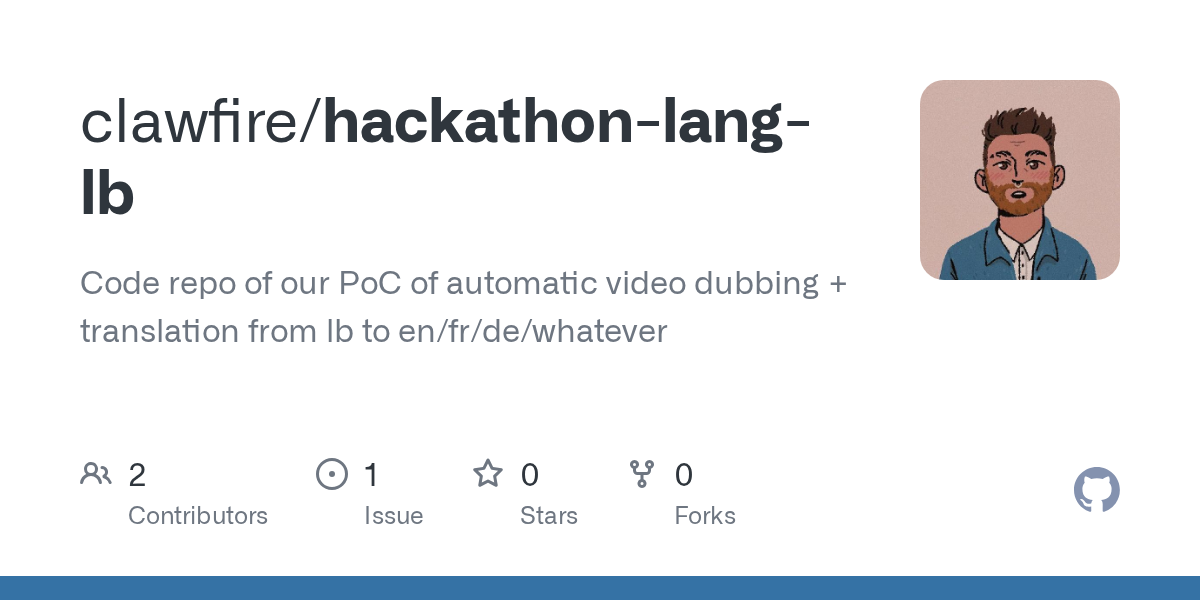
The full version we later built for the government call added the steps a hackathon skips: audio cleanup, language detection, segmentation, speaker diarization. Each of those exists because the step before it lies a little.
Audio cleanup came first, for a reason. A speech model will transcribe noise with the same confidence it transcribes words, and every step after it inherits the result.
We also hit a wall I'm reminded of now. GPT-4 could rewrite and translate into English or French decently, but asked to produce Luxembourgish, it fell apart. Language support is always the first thing to crack, and it cracks quietly.
Oats, in local mode, records, transcribes, diarizes, then hands the transcript straight to a small on-device model (Gemma 3 1B, quantized to 4 bits) to write the notes. There is no step in between where a human, or even a second pass, gets to fix anything.
I don't know exactly what happened inside that model when it produced "what". But I know the shape of the problem: a small model facing an hour of French, half of it heard through a saturated mic, with nobody allowed to touch the draft first.
Everything between the transcript and the summary
Here's what I missed. Most of it lives in the gap my 2023 pipeline taught me to respect.
Let me fix the draft before the model reads it
Diarization gives you Speaker 1, Speaker 2, Speaker 3. Fine for a transcript. Not much use in a summary, where "Speaker 2 will follow up with Speaker 3" means nothing to anyone on Monday morning.
In 0.24 there was no way to rename speakers at all. Version 0.25 added it, and the release notes are honest about the catch: rename someone after the notes are generated, and the notes go stale. The names show up once the model has already done its job. They should show up before.
Same for correcting the diarization itself. When two people get merged into one speaker, or one person gets split in two, I want to fix that in the transcript and then generate the summary. Right now there's no way to do it, so every diarization mistake goes straight into the notes.
And a 1:1 doesn't need the same notes as a project status meeting. One is about how someone is doing and what they need from me; the other is decisions, owners, dates. Oats writes the same kind of summary for both. Templates would fix that in an afternoon.
Let me pick the language, and the model
A meeting in French should get notes in French. There's no setting to choose the language, either for the transcript or for the notes, so you get whatever the pipeline decides. In my case, that was one English word.
The local model is fixed too. Gemma 3 1B is a sensible default for a laptop: small, fast, fits in memory next to everything else. It's also small for an hour of French. On a Mac with enough RAM, I'd happily trade speed for a bigger model, or point Oats at a local model of my choice.
Let me decide when a meeting starts, and where it comes from
In local mode, detection runs off the microphone. When an app grabs the mic, Oats assumes a meeting has started. In practice it pops up at the wrong moments, often enough to get on my nerves. A calendar would know better: when my meetings are, what they're called, who's invited. That last part, incidentally, would give the diarization real names to work with.
And sometimes the meeting doesn't happen in front of my Mac at all. Say, a 1:1 over coffee, recorded on my phone. A phone sitting on the table, close to the person talking, would probably sound better than my laptop at the far end of a meeting room. But there's no way to hand Oats an mp3. It only knows how to record.
Some of this exists, by the way. Just not in local mode.
The line between free and useful
Ariso doesn't hide the split. The README lays it out in a clean table: cloud mode needs an account and sends audio to their backend, with a promise not to train models on it; local mode needs nothing and never lets audio leave the Mac. The rest lives on the cloud side: better transcription, multiple languages, speaker recognition, calendar sync, coaching, follow-up tracking.
 ariso-ai
That's a classic open-core deal, and I have no problem with it in principle. Somebody has to pay the people shipping releases this fast.
Where the line falls is what I'll be watching. Language support, speaker identity and calendar sync were all on my list, and today all three sit on the cloud side. The cloud version is free too, so this isn't a paywall. What it costs is the one thing I came for: keeping my meetings on my machine. For now, local mode is a very good foundation with its most useful layer missing.
The counterweight is the license. The local gaps are exactly the kind of thing a community can close: a language setting, a model picker, an import button. Nobody needs Ariso's permission to write them. Whether Ariso merges them is another question, and the answer will say a lot about what the local mode is for. So far, the signs are good. Speaker renaming landed between my test and this article, and an issue opened this week proposes selectable speech models for the local backend, albeit remote ones. I can't tell how long the rest will take, but the project is clearly moving, and I'm curious to see what they ship next.
Before you roll one out
If you're evaluating meeting AI for a team, here's what I'd test, based on one Mac and one very short summary.
- Your language, your worst room. Demos run in English on a clean call. Record an hour in the language your team actually speaks, in the room with the bad acoustics.
- The edit step. Find out where you can fix the transcript before the summary gets written. If the answer is nowhere, every error ships.
- The split. List which features need the cloud, then decide whether that's a price your meetings can pay.
- The files. Plain files you own, or rows in someone's database.
As a record of my meeting, Oats's one-word summary was useless. As the first question to ask any AI tool before rolling it out, "what" is hard to beat.